Fortnite DMA
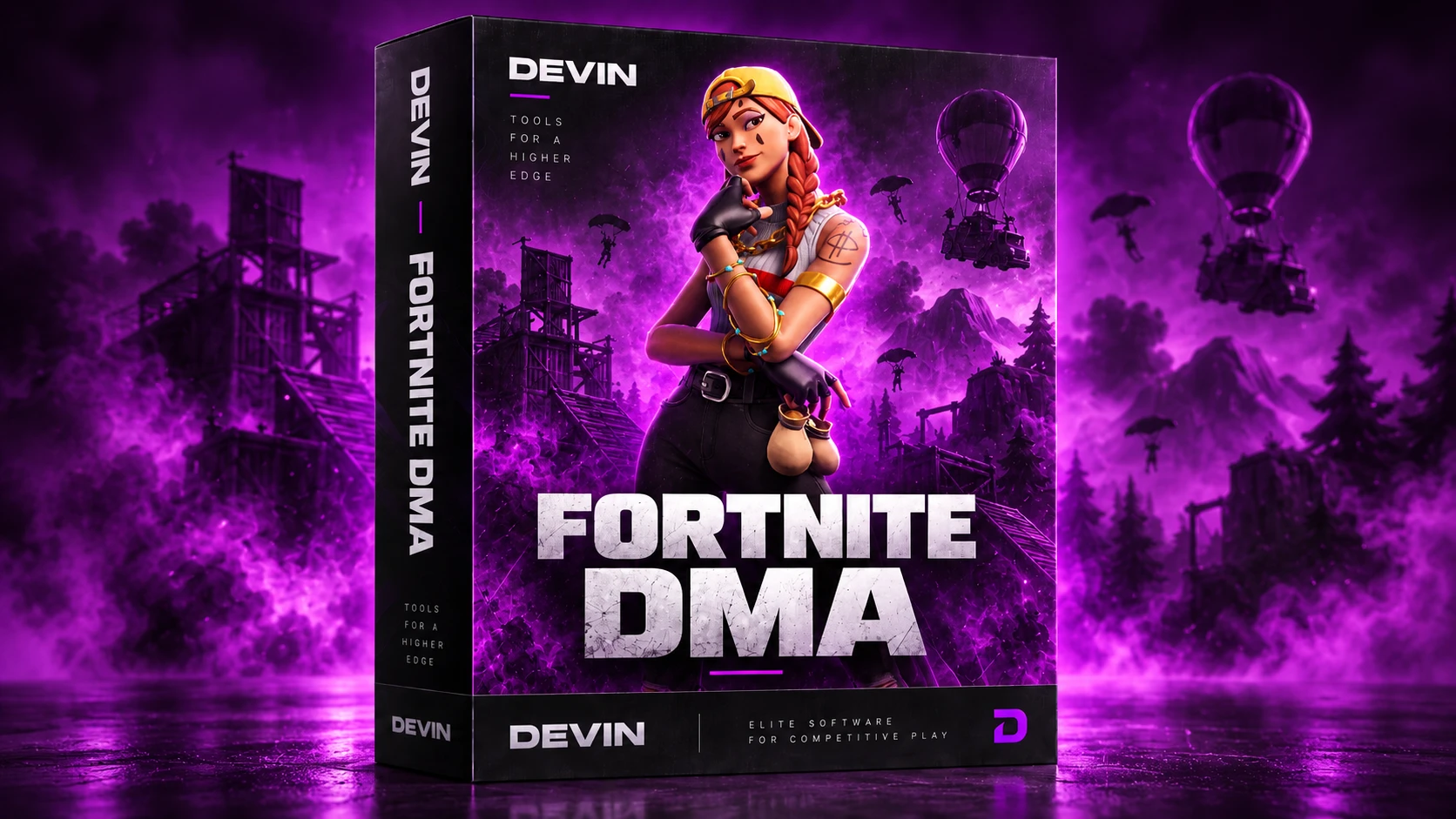
Fortnite DMA is our DMA build for Fortnite: a player ESP you build module by module with skeletons, health and shield bars, loot and vehicles on screen, the minimap radar and an optional aimbot.
RequiresA second PC (Windows 10 or 11, 64-bit) with a DMA card. Aimbot also needs a MAKCU, KMBox or FERRUM. All requirements
Overview
You install, update and start it from DEVIN Loader. The second PC needs Windows 10 or 11 (64-bit) and DMA hardware; the aimbot also needs a MAKCU, KMBox B Pro, KMBox Net or FERRUM.
Free trial: before you buy, open a ticket on our Discord and ask for a 2-hour trial key for this game.
Take 1 day, 1 week or 1 month. Your key is sent to you right after the payment goes through (check your spam folder).
Requirements, features and FAQ: devindma.com/products/fortnite-dma
After you pay, redeem the key in DEVIN Loader and link your Discord account: you get the customer role, the customer channels and priority support on our Discord.
Requirements
- A second PC with Windows 10 or 11 (64-bit)
- A DMA card
- A second monitor or a fuser for the DMA PC: the overlay is drawn there, not on your game screen.
OptionalThe aimbot also needs a MAKCU, KMBox B Pro, KMBox Net or FERRUM. ESP, world ESP and the radar need no extra device.
Setup and activation
- Install DEVIN Loader (opens in a new tab) on your second PC. It installs the build and keeps it updated.
- Redeem your key in DEVIN Loader. Your time starts at redeem; a key redeemed while a licence is running adds its time after it. Lifetime never runs out.
- Link your Discord account in DEVIN Loader for the customer role, the customer channels and priority support.